Turn wrong answers into real mastery
Organize the problems you got wrong, track your progress, and watch your understanding grow — one question at a time.
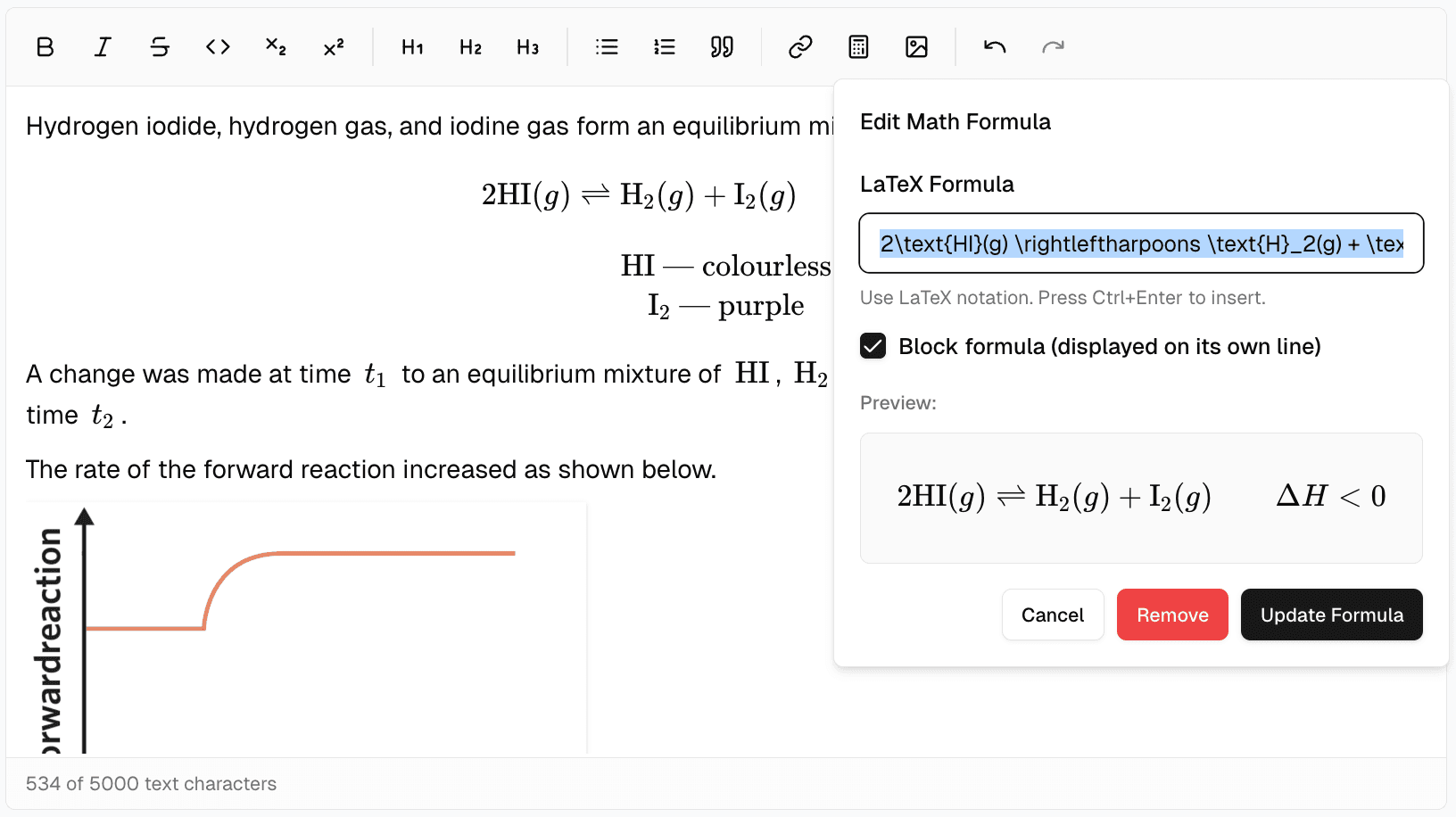
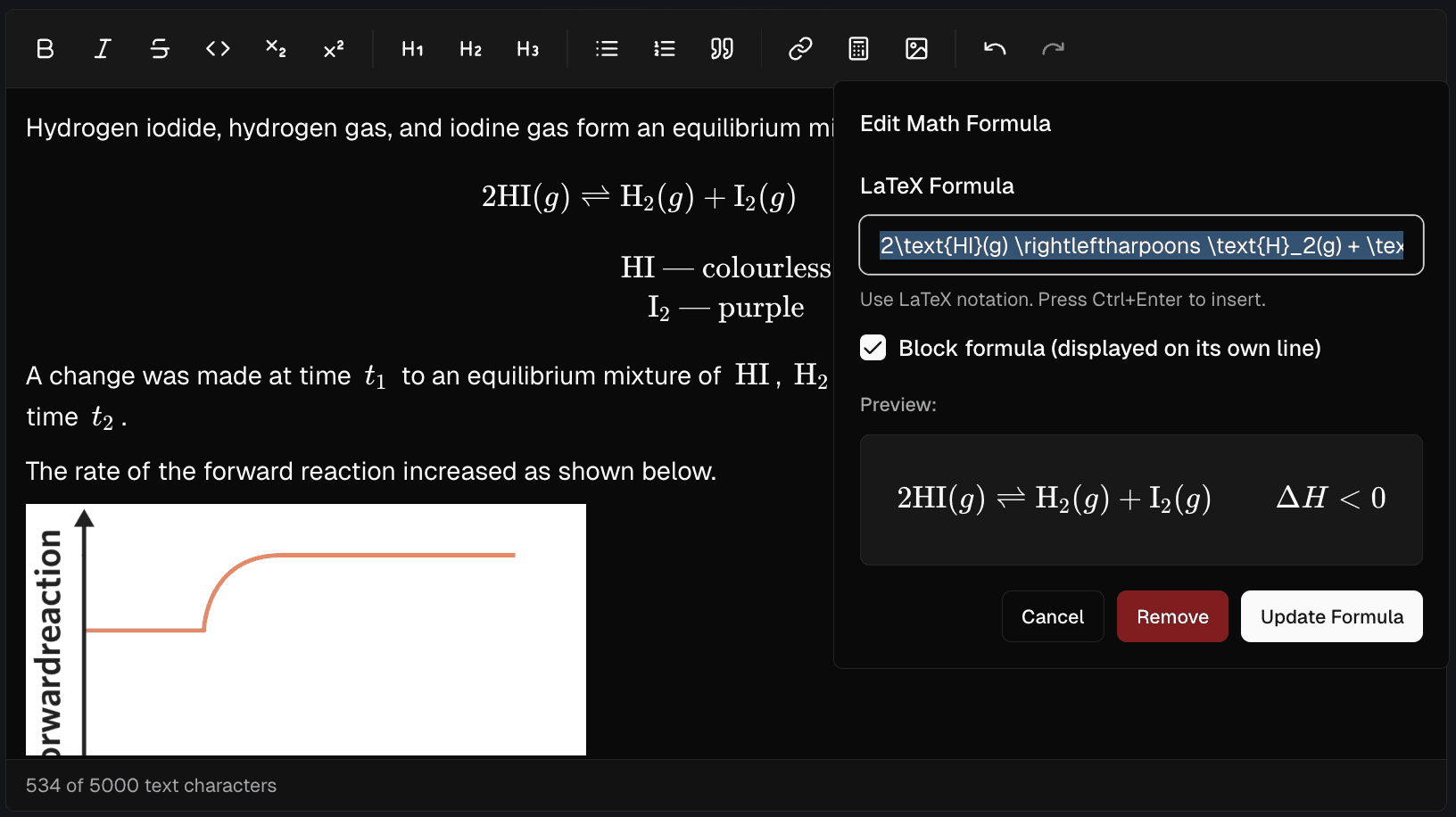
Write math, format solutions, capture every step of your thinking
Native math and rich formatting keep every thought clear.
- LaTeX math — inline and block equations, perfectly rendered
- Full formatting — headings, bold, italic, lists, code blocks
- Embed images — directly in problems and solutions
- Special characters — subscript, superscript, and more
Three problem types, one notebook
MCQ, fill-in-the-blank, or extended — WQN handles them all
Multiple Choice
Radio button choices with auto-marking and a visual choice picker. Know instantly if you got it right.
Fill in the Blank
Text or numeric answers with tolerance. Supports multiple accepted answers for flexible marking.
Extended Answer
Free-form responses for proofs, essays, and explanations. Full rich-text support included.
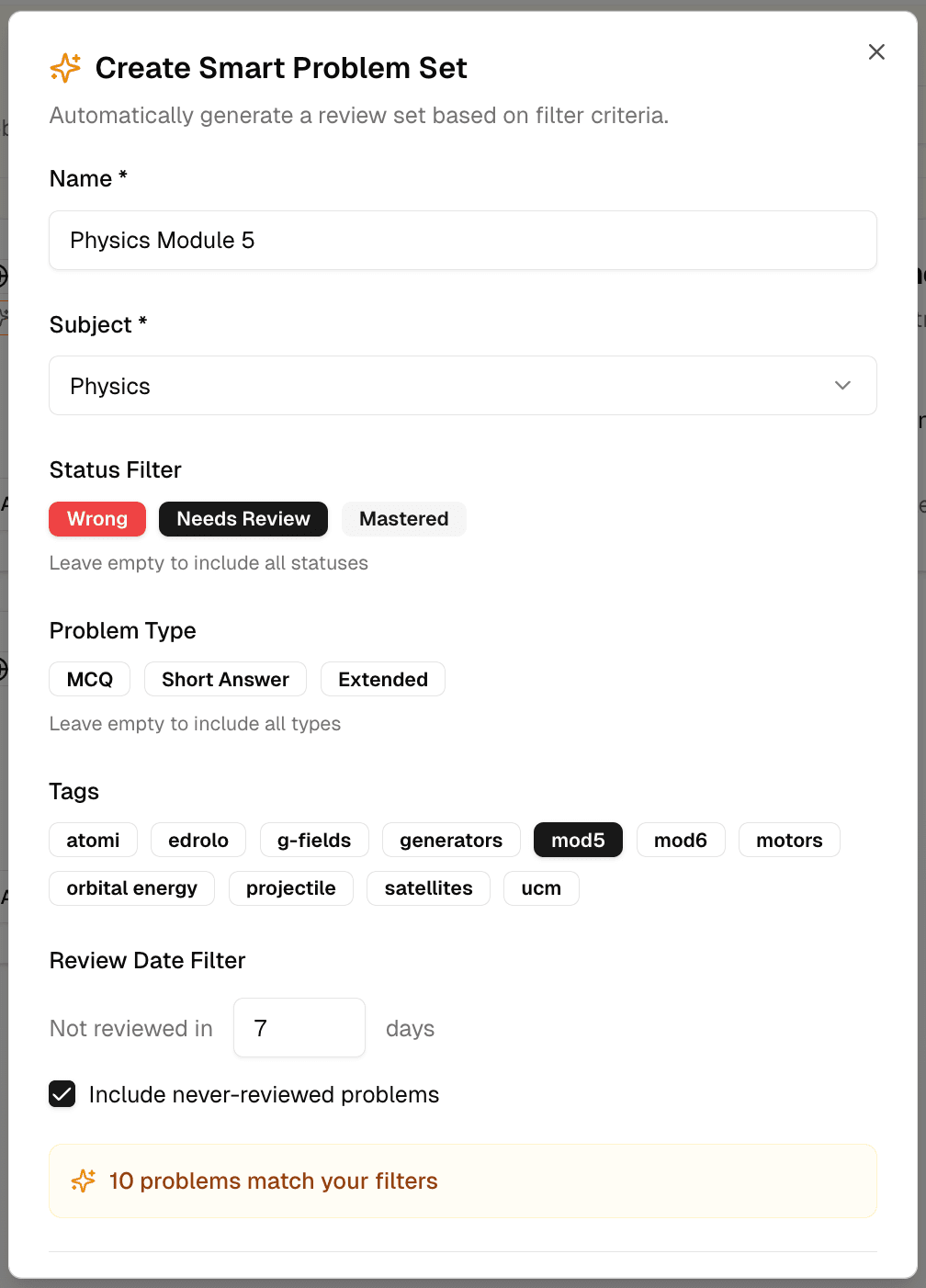
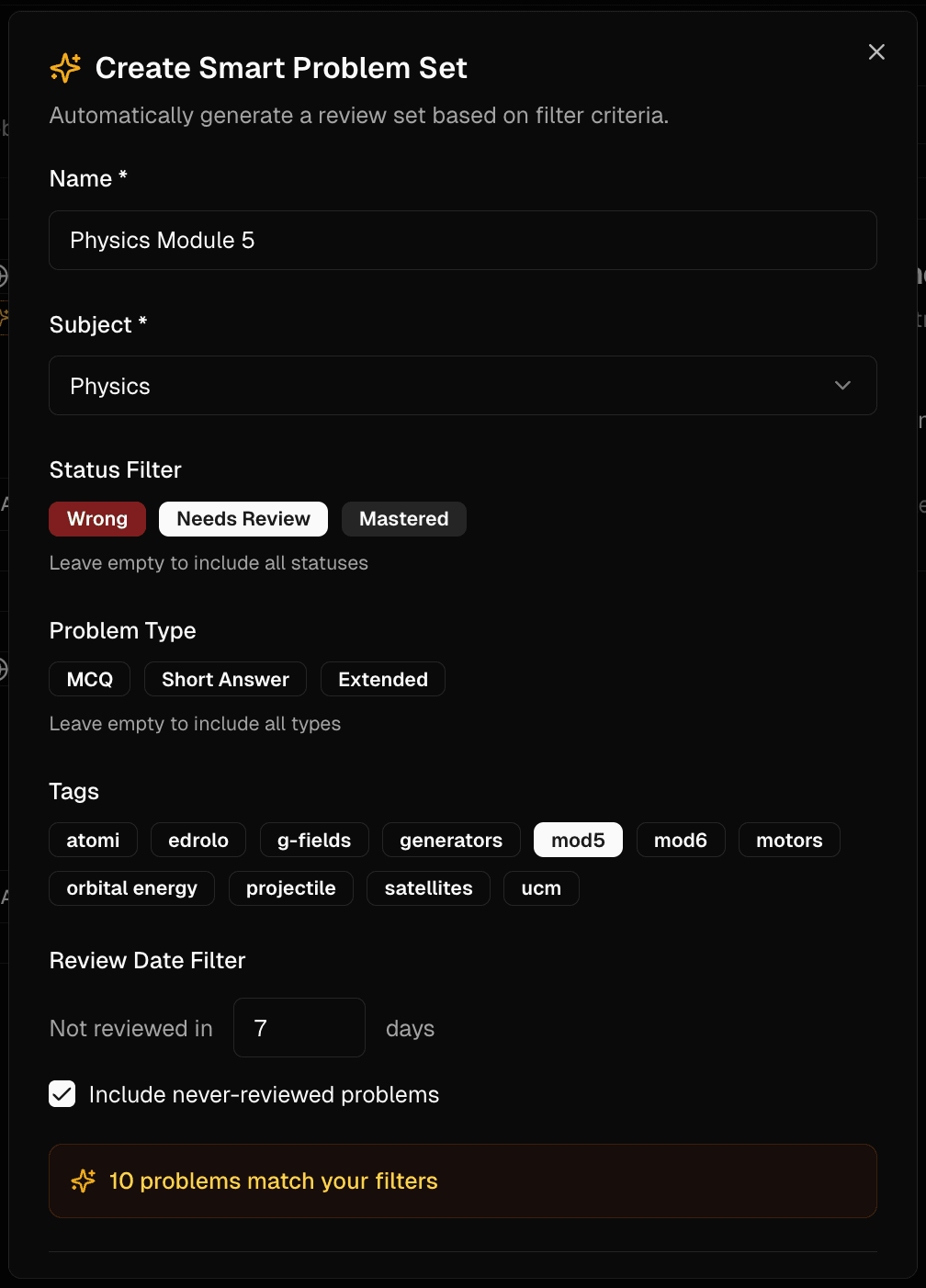
Problem sets that build themselves, targeting your weak spots
Let smart filters help you target exactly what needs work.
- Filter by tags — for targeted review
- Filter by mastery status — focus on what needs work
- Filter by last review — catch problems slipping away
- Randomize order — and set session sizes
Got a problem? Snap a photo
Upload an image of any worksheet or handwritten note. Our AI extracts the problem, detects math, and classifies the type — in seconds.
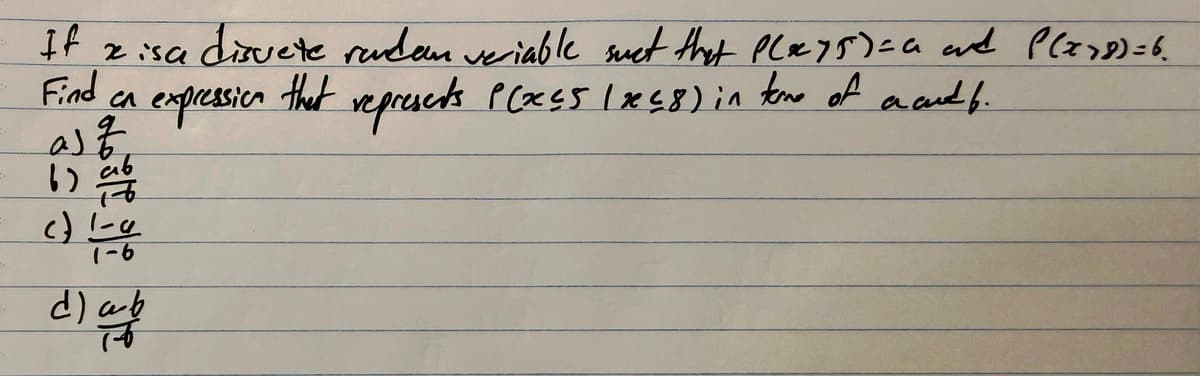
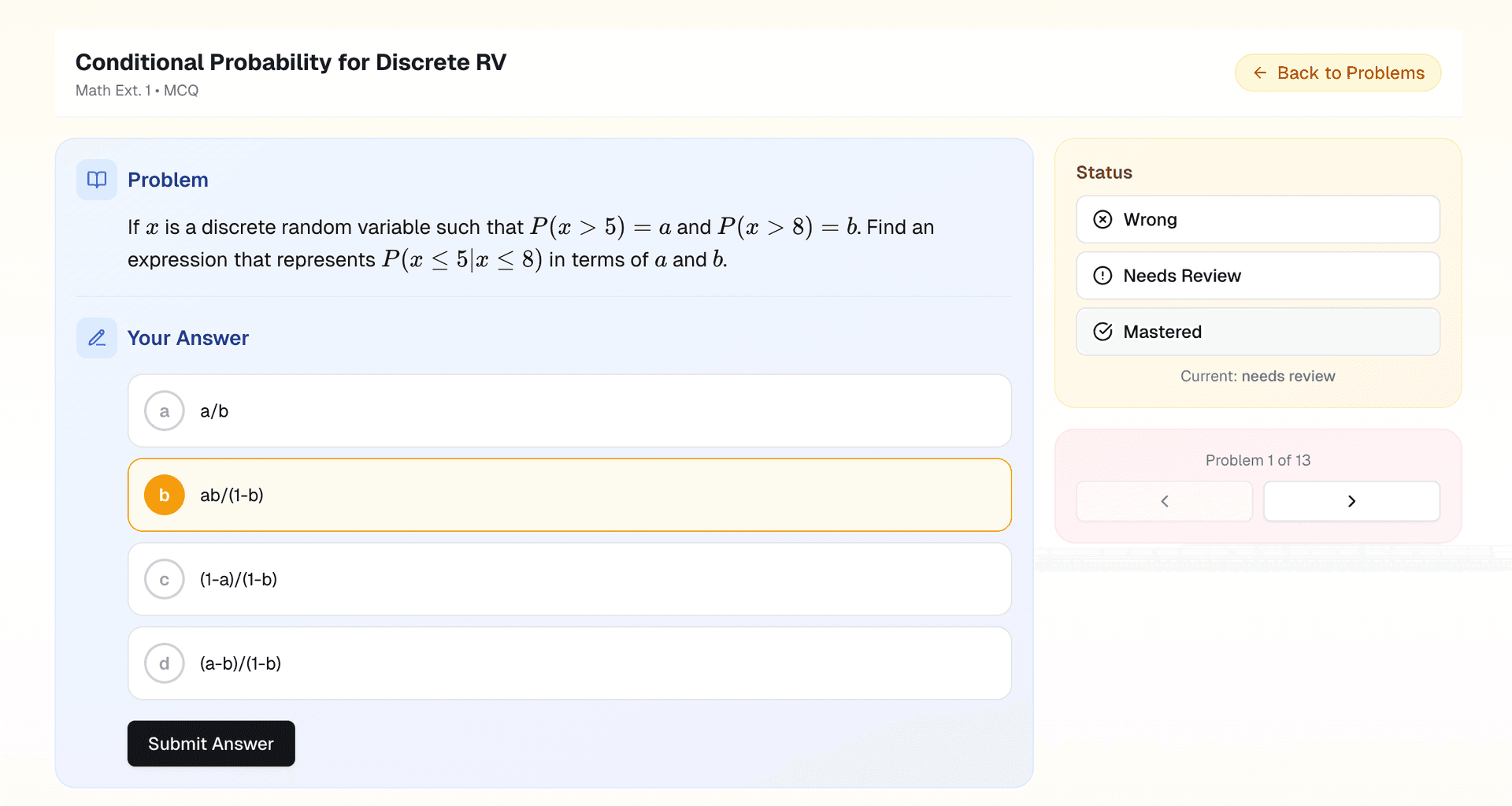
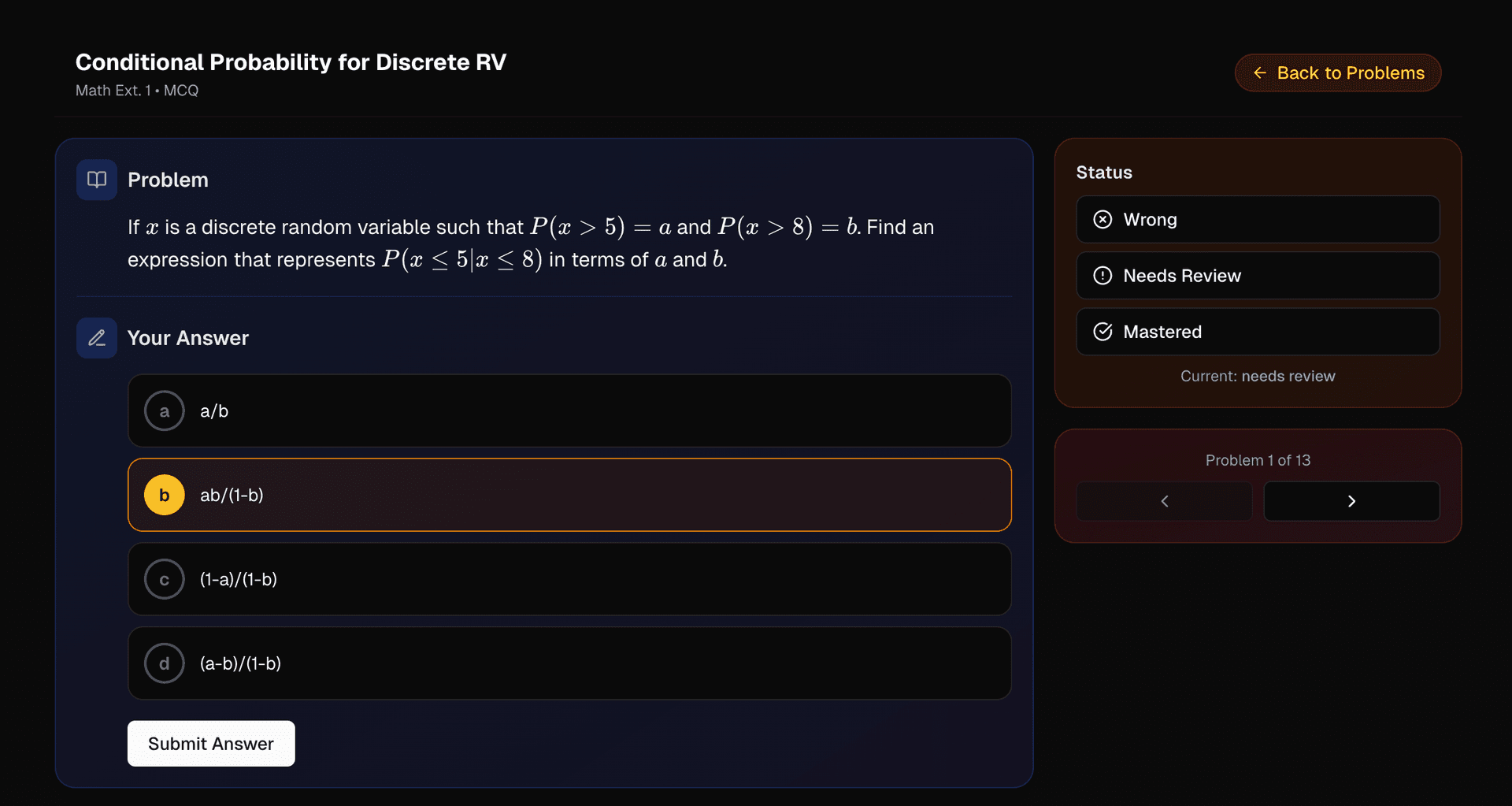
Upload worksheet or handwritten note photos, and AI extracts the prompt, preserves math formatting, and identifies the problem type.
Review sessions with real progress tracking
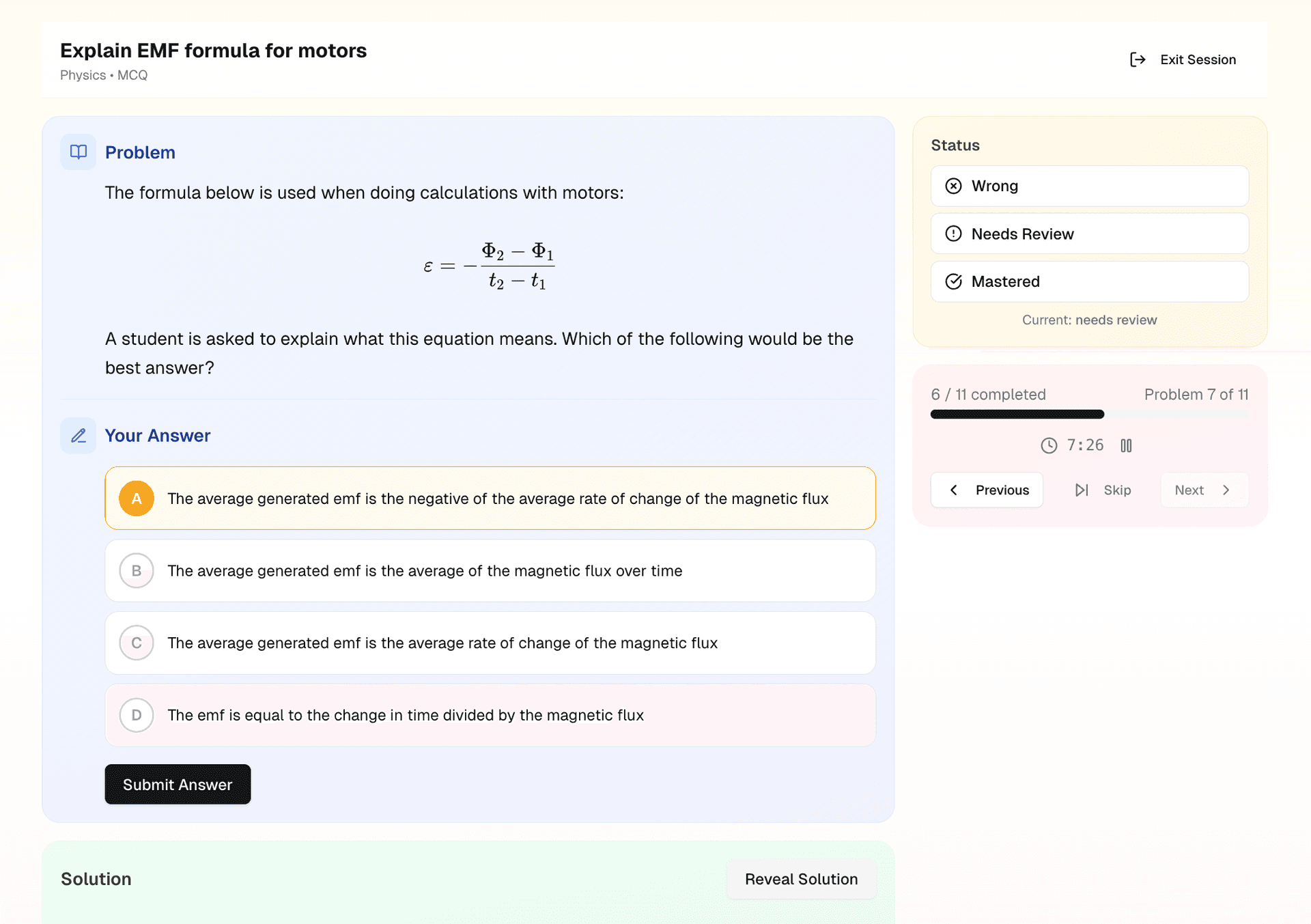
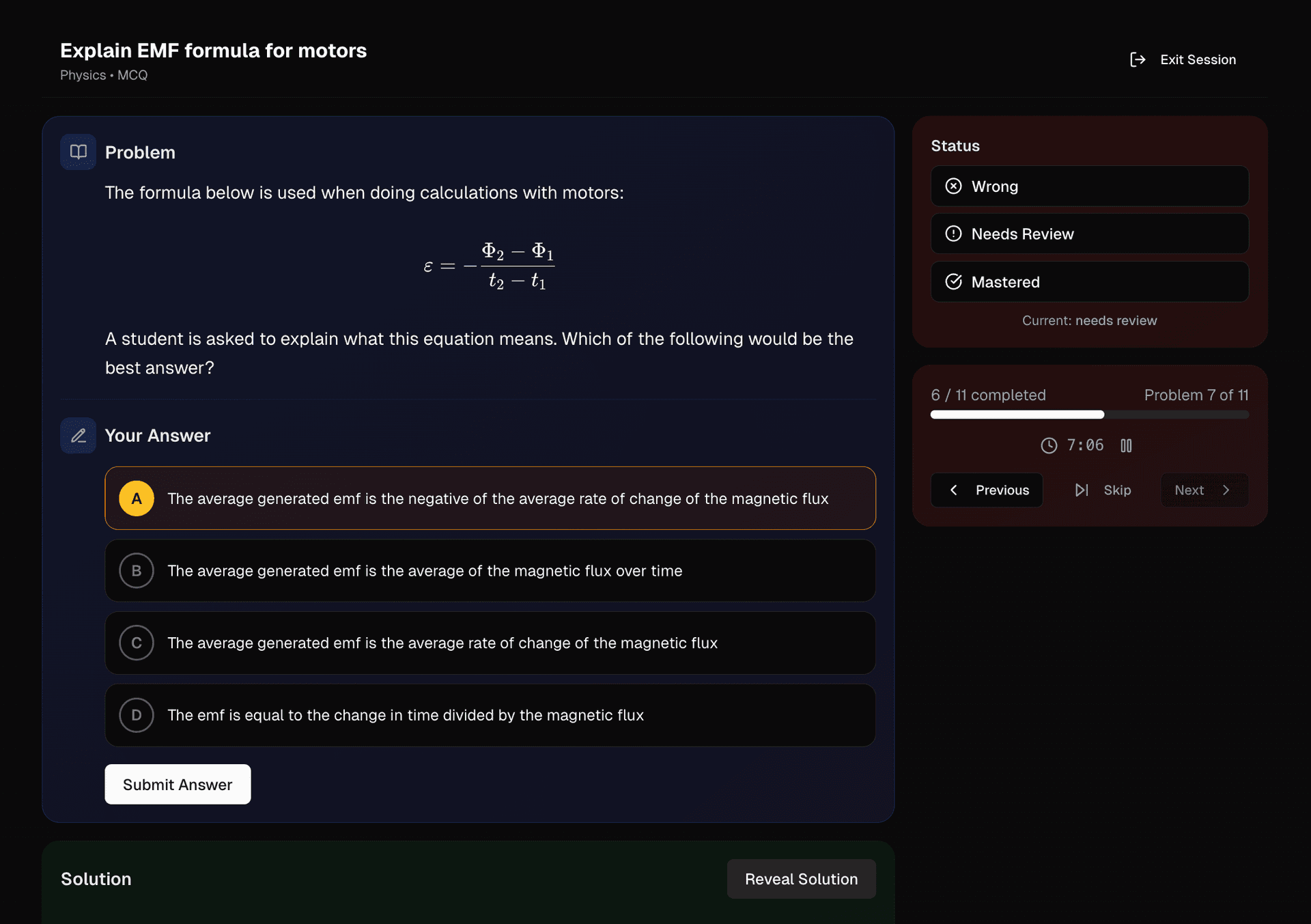
Turn review into an interactive quiz experience.
- Study timer — tracks study time per session
- Auto-marking — instant results for MCQ and fill-in-the-blank
- Progress bar — shows session progress in real time
- Study report — detailed stats after each session
See how far you've come
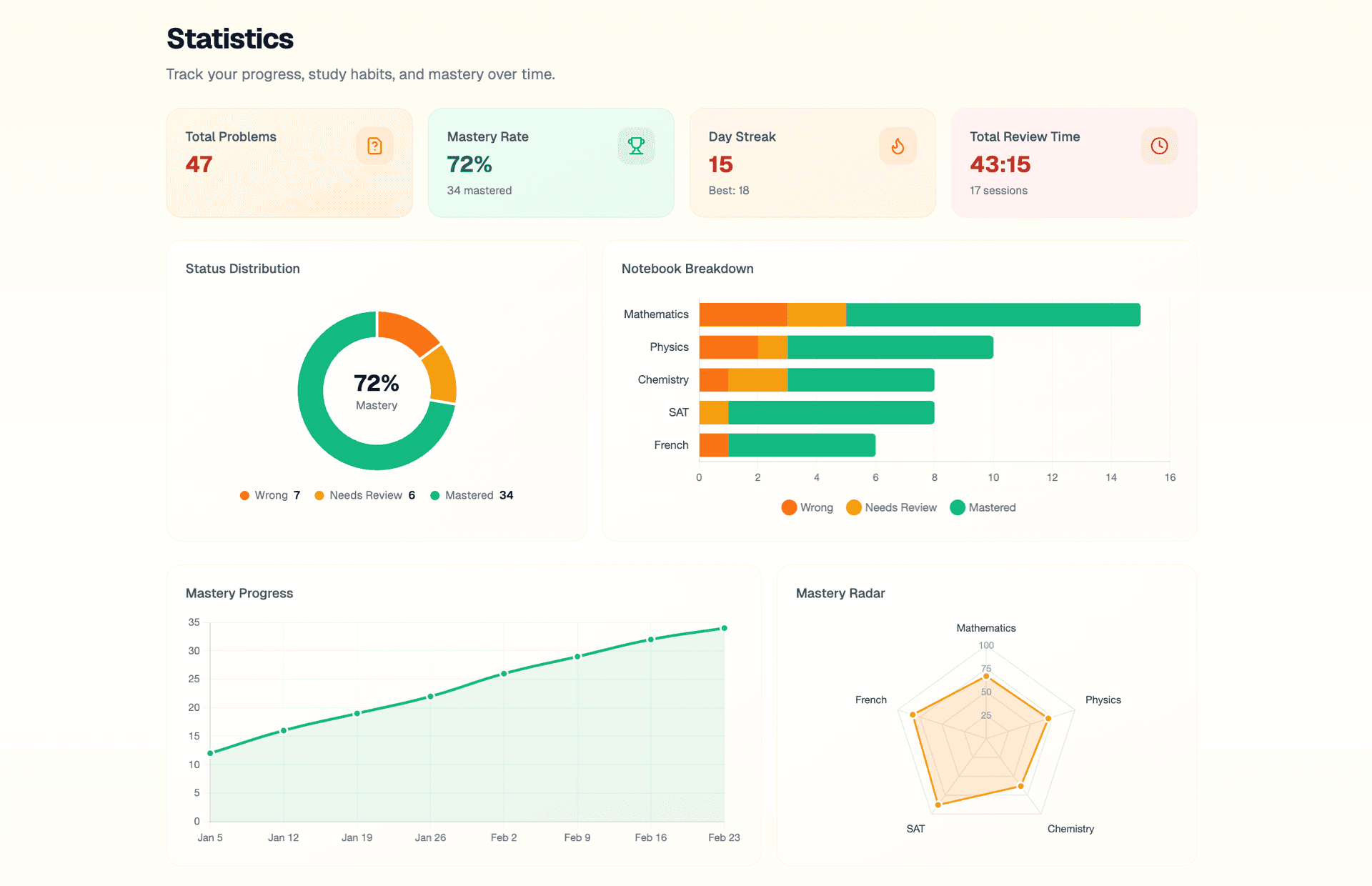
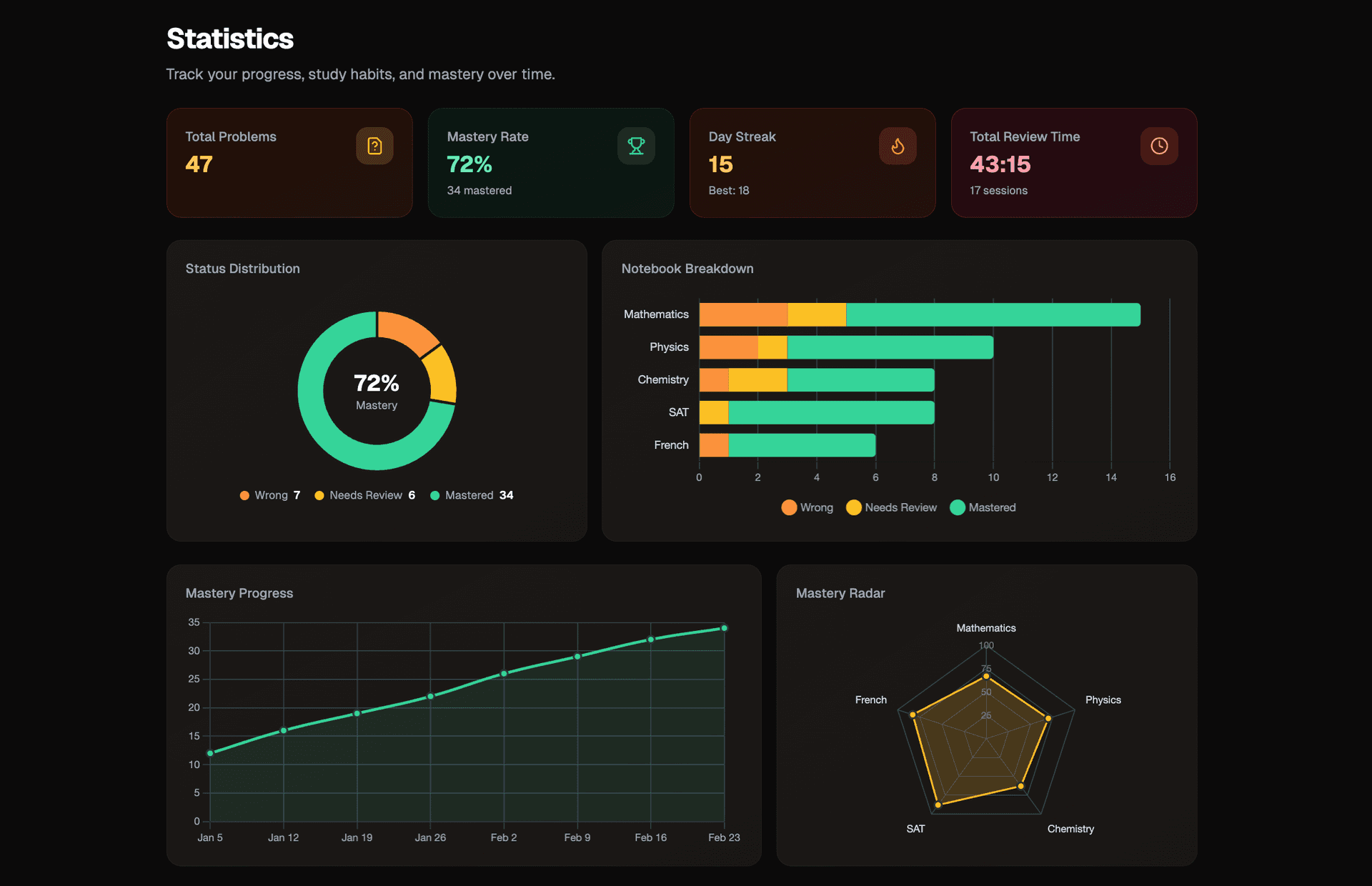
Measure your progress with visual reports.
- Mastery distribution — and subject breakdown charts
- Study streaks — track your longest consecutive study record
- Activity heatmap — showing daily study habits
- Weekly progress — line charts over time
Take WQN with you — review anywhere, anytime
WQN Note 4 features a 4.2-inch e-ink display: no eye strain, no screen glow, no distractions. Sign in once and your wrong-question books go everywhere with you.
- 4.2" E-ink Display — Eye-friendly, no glow, long battery life, crystal-clear in sunlight
- Works Offline — Todo, Pomodoro timer, and word review — all run locally without internet
- Wrong Questions on the Go — Sign in to sync your WQN library. Review anywhere, anytime
- AI Photo Capture — Snap a photo of a problem — AI identifies and files it into your book
- WiFi Cloud Sync — Local records sync to the cloud — seamless across phone and desktop


And there's more
Every detail designed to help you study better
Subject Organization
Color-coded notebooks with custom icons. Keep every subject neatly separated and easy to find.
Tag System
Subject-specific tags for fine-grained categorization. Filter and find problems in seconds.
Wrong-Question Book Sharing
Private, limited, or public sharing options. Share your curated wrong-question books with classmates.
Light / Dark Mode
Switch between light and dark themes. Study comfortably any time of day.
Status Tracking
Wrong, Needs Review, Mastered — track every problem's progression automatically.
Study Streaks
Consecutive day tracking to build habits. Stay motivated and keep your streak alive.
Why WQN?
See how WQN compares to traditional methods
| Feature | Physical Notebook | Digital Document | WQN |
|---|---|---|---|
| Record wrong questions | Handwrite | Photo/Screenshot | Structured form |
| Organize by subject | Separate notebooks | Folders/headings | Subjects with colors & icons |
| Search & filter | Flip through pages | Ctrl+F text only | Tags, status, smart filters |
| Track mastery progress | Tally marks? | Manual tracking | Automatic status tracking |
| Review sessions | Cover and redo by hand | Passive reading | Interactive with auto-marking |
| Analytics & learning reports | No progress data | Subjective feeling | Charts, heatmaps, streaks |
| Share with others | Photocopy | Share doc link | Share access link |
| Access anywhere | Carry it | Local device sync | Cloud sync in browser |